AI graphicsthat stay editablewith markup.one
Generate campaign-ready graphics from one prompt, then refine type, color, and layout directly in a real editor.

Campaign headline
Spring Launch Collection
Build campaign-ready graphics from one prompt and keep text editable in canvas.
Prompt Input
Design a product launch visual with editable headline, CTA, and brand-safe palette.


Design tools weren't built for
people with ideasThey were built for designers.
You'vebeenthere.Fifteenbrowsertabsopen.Threehoursdeepintoa'quick'poster.Wrestlingwithlayers,alignment,fontsthatdon'tquitework.Youstartedwithavision.Nowyou'rejusttryingtomakethetextnotlookweird.
Meanwhile,thethingyouactuallywantedtodo-promoteyourevent,launchyourproduct,shareyourannouncement-sitswaiting.
There's a better way.
Just say what you see
markup.one turns descriptions into designs. No templates. No tutorials. No fifteen-step processes.
You describe it. We build it. You download it.
That presentation thumbnail?
Done.
The banner for your community event?
Handled.
Social posts that look professional?
Easy.
Three steps. Under a minute.
Tell us what you're making. Be specific or keep it vague - the AI adapts to whatever you give it. "Event poster for a tech meetup" works. So does "minimalist announcement graphic, dark mode aesthetic, featuring the date March 15th." We'll check with you if we think we're missing any details.
Hit the button. In seconds, you'll see a polished, ready-to-use design. Not a rough draft. Not a starting point. A finished piece. Of course, you'll still have the option to make changes you want to make it feel more you.
Download in high resolution. Share directly to socials. Drop it in your presentation. Done.
What happens in those 47 seconds
A peek under the hood at how markup.one turns your descriptions into production-ready designs.
Brand Intelligence
Your brand becomes the AI's creative brief
Upload your colors, logo, fonts, and brand guidelines once. We store everything securely and use it to inform every design.
AI-Powered Design
An AI designer that understands your vision
Our AI doesn't just generate once - it iterates and refines, making multiple passes to get every detail right.
Visual Self-Check
The AI sees what you'll see
Each iteration is rendered as an actual image. The AI evaluates its own work and self-corrects before you ever see it.
Pixel-Perfect Delivery
High-resolution, ready to share
Final designs are rendered at multiple resolutions (1x, 2x, 3x) and delivered via fast CDN. Download instantly.
Designs that don't look AI-generated
We've all seen those AI images. The weird artifacts. The text that doesn't quite read right. The "close but not quite" feeling.
markup.one is different. Every output is clean, intentional, and ready to use. Your audience will think you hired a designer. We won't tell them otherwise.
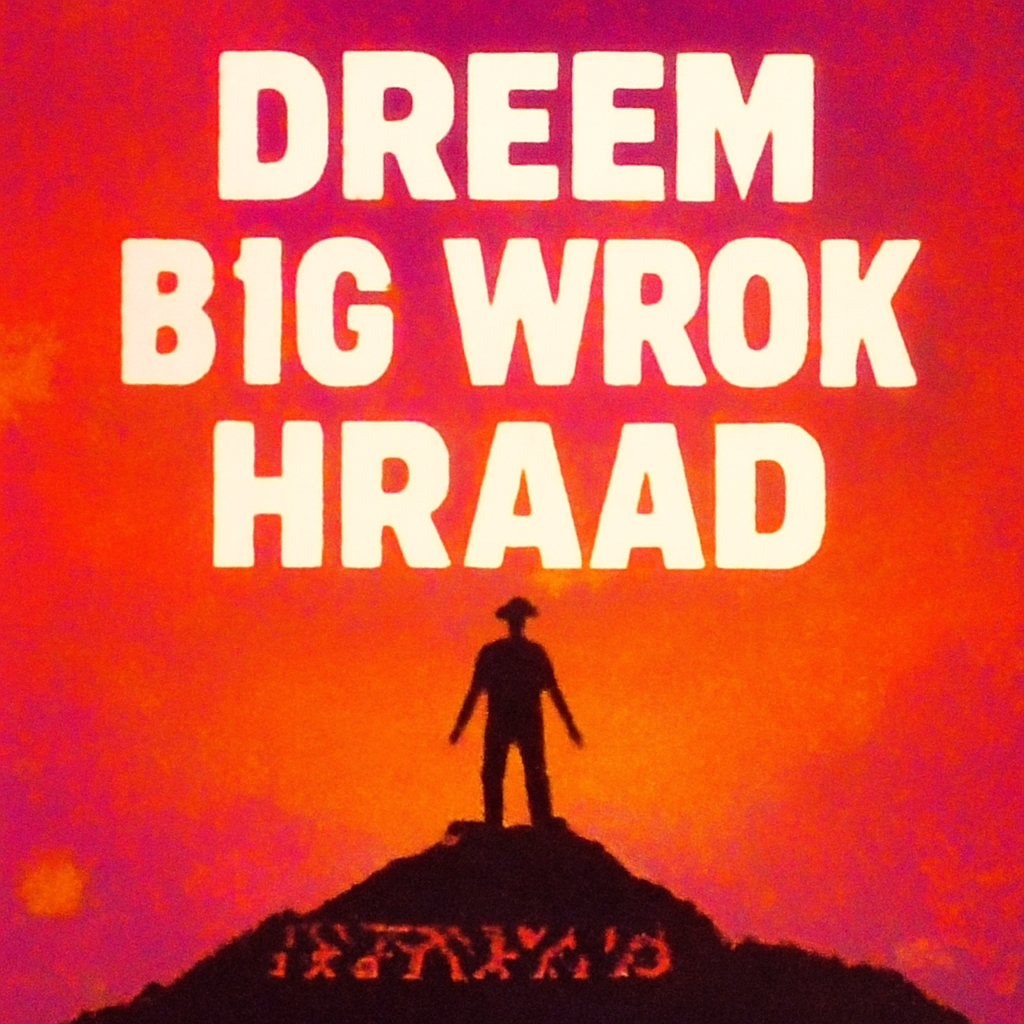

From idea to image before your coffee gets cold
Traditional design workflow: Open tool. Find template. Customize template. Hate template. Find new template. Customize again. Export. Realize you need a different size. Start over.
markup.one workflow: Describe. Generate. Export.
Average time to finished graphic: 47 seconds.
Your tenth graphic looks as good as your first
No more design drift. No more "I made this one at 2am and it shows." Every generation maintains the same level of polish and professionalism, whether it's your first of the day or your fiftieth.


Not quite right? Just say so
Generated something close but not perfect? Tell the AI what to change. "Make the background darker." "Move the text to the left." "Try a more playful font." Iterate with words, not tools.
One tool, infinite outputs
Event posters. Social media graphics. Presentation slides. YouTube thumbnails. Email headers. Announcement banners. Product mockups. Quote graphics.
If you can describe it, you can create it.
One prompt, many panels
Create carousels for Instagram swipes or grid mosaics for cohesive campaigns. Describe one idea and get every panel, connected by a single visual thread.
Instagram carousels
Swipeable stories that keep viewers engaged slide after slide.
Campaign grids
One master design split into a cohesive tiled layout for feeds.
Multi-slide decks
Visual sequences for presentations, pitch decks, and stories.
Go deeper with advanced editing
The hero shows the fast workflow. This section shows deeper control: structure, properties, and precise edits in one focused interface.
Drag to reorder layers
Summer Sale
Up to 50% off everything
Select an element to edit its properties
Edit properties below
Font
Size
Color
Weight
Precision controls
Select any element, adjust spacing, and resize with direct handles.
Brand panel
Swap colors and fonts from your brand tokens without leaving the canvas.
Layer hierarchy
Map every block in a clear tree so complex layouts stay easy to edit.
Built for people who ship
For community builders
You're organizing events, rallying members, and building something meaningful. You shouldn't also need to be a graphic designer. Create professional promotional materials in the time it takes to write a message.
For marketers
Campaigns move fast. Briefs change. Deadlines don't. Generate variations instantly. Test different approaches without waiting for creative. Launch faster.
For creators
Your content deserves great visuals. But thumbnail creation shouldn't take longer than the content itself. Describe the vibe, get the graphic, keep creating.
For teams
Everyone can create on-brand graphics without bottlenecking the one person who "knows Figma." Consistent quality across the board.
How we stack up
| Traditional tools | AI generators | markup.one | |
|---|---|---|---|
| Learning curve | Hours to days | Low | None |
| Time to create | 30 min - 2 hours | 1-5 minutes | Under 1 minute |
| Output quality | Depends on skill | Inconsistent | Consistently polished |
| Text handling | Manual | Often broken | Clean and readable |
| Iteration | Start over | Re-roll and hope | Refine with words |
Simple pricing. Real value.
Start free. Upgrade when you're ready. Scale as you grow.
- Generous rate limits
- All features included
- High-res exports
All prices are in USD.
Questions? Answered.
Usage is based on the AI tokens consumed during generation. Your subscription includes a monthly allowance with fortnightly and hourly rate limits to ensure fair access.
PNG at high resolution. More formats coming soon.
Yes. Everything you generate is yours to use however you want.
Iterate. Tell the AI what to change and generate again. Or try a different prompt. You're in control.
The free tier is your trial. No card required. Upgrade when you're ready.
Yes. No contracts, no hassle. Your subscription ends at the end of your billing period.


Made by the team behind communities.one
We've spent years building software for student communities. Along the way, we watched countless club leaders struggle with the same problem: they had great ideas for events, campaigns, and announcements, but creating visuals to match was a constant bottleneck.
They weren't designers. They didn't want to be designers. They just wanted to promote their next event without spending four hours in Canva.
So we built something to help.
markup.one started as an internal tool. A way for community leaders to create professional graphics without the learning curve. It worked so well, we realized everyone deserves access to it.
Same team. Same obsession with removing friction. New tool.